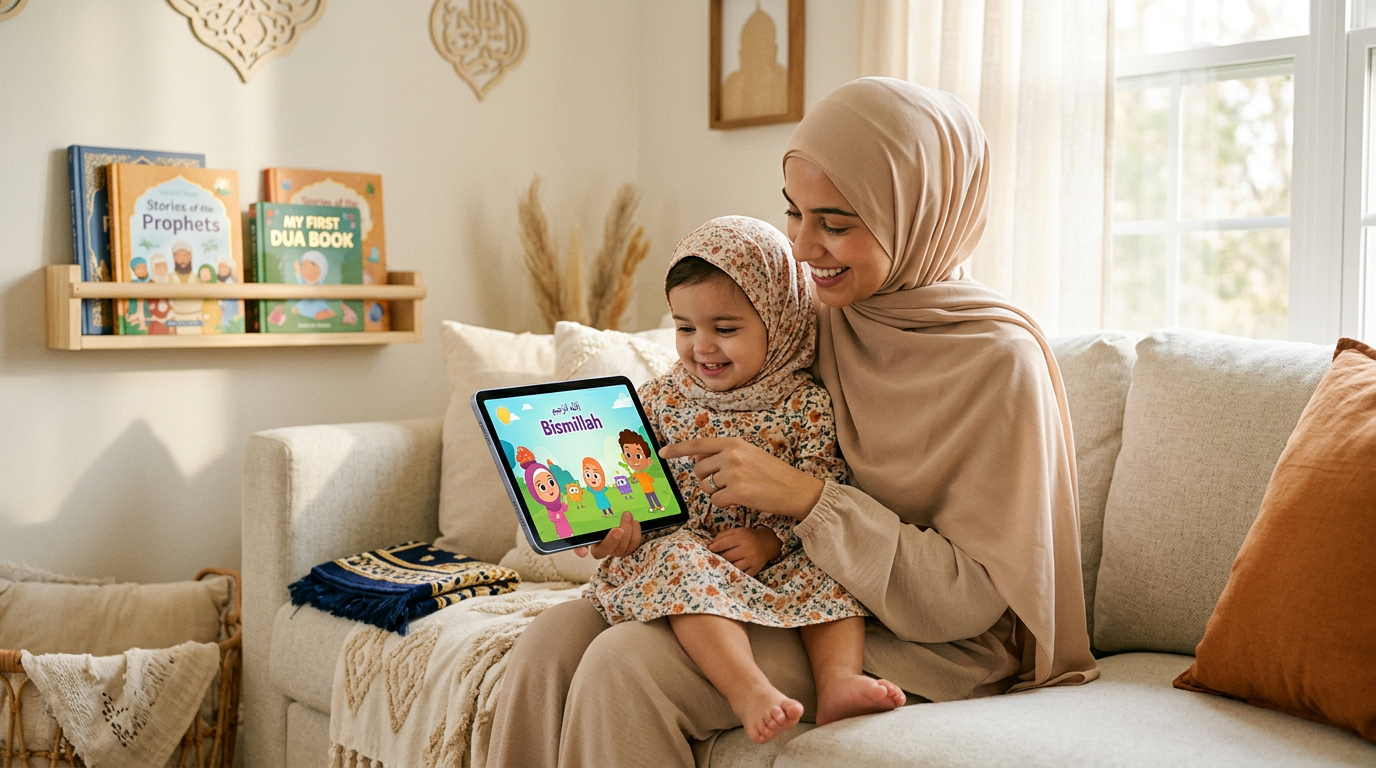
As a Muslim parent, you know how a few minutes of quiet screen time can be a lifesaver. Whether you're trying to cook dinner before Maghrib, keep your toddler calm during a long car ride to visit family, or create a moment of peace during a hectic day, the right content is everything. You need videos that are not just engaging but also safe, gentle, and aligned with our Islamic values, free from unexpected ads or inappropriate suggestions.
This guide is designed to help you prepare your family's iPad with thoughtful, downloadable content. We'll explore the best apps and strategies to find wholesome videos to download on iPad, ensuring your little one is watching content that nurtures their heart and mind, even when you're offline. As you prepare your device for travel and daily use, selecting durable iPad cases can also help ensure it remains protected for peaceful, uninterrupted viewing.
We will cover everything from purpose-built Islamic platforms to managing mainstream services with a Muslim family's needs in mind. Our goal is to give you a clear, actionable list of options with screenshots and direct links, so you can feel confident about what your child is watching, insha'Allah. Let's get your device ready for calm, halal-friendly screen time, wherever you go.
1. Babymode
For Muslim parents seeking a truly purpose-built solution, Babymode stands out as the definitive choice for downloading safe, faith-aligned videos for an iPad. It is designed from the ground up to address the specific concerns of Muslim families with toddlers (0–3), offering a walled-garden environment where every piece of content is created to be 100% halal and ad-free. This platform eliminates the anxiety of stumbling upon inappropriate content, a common worry on mainstream video sites.
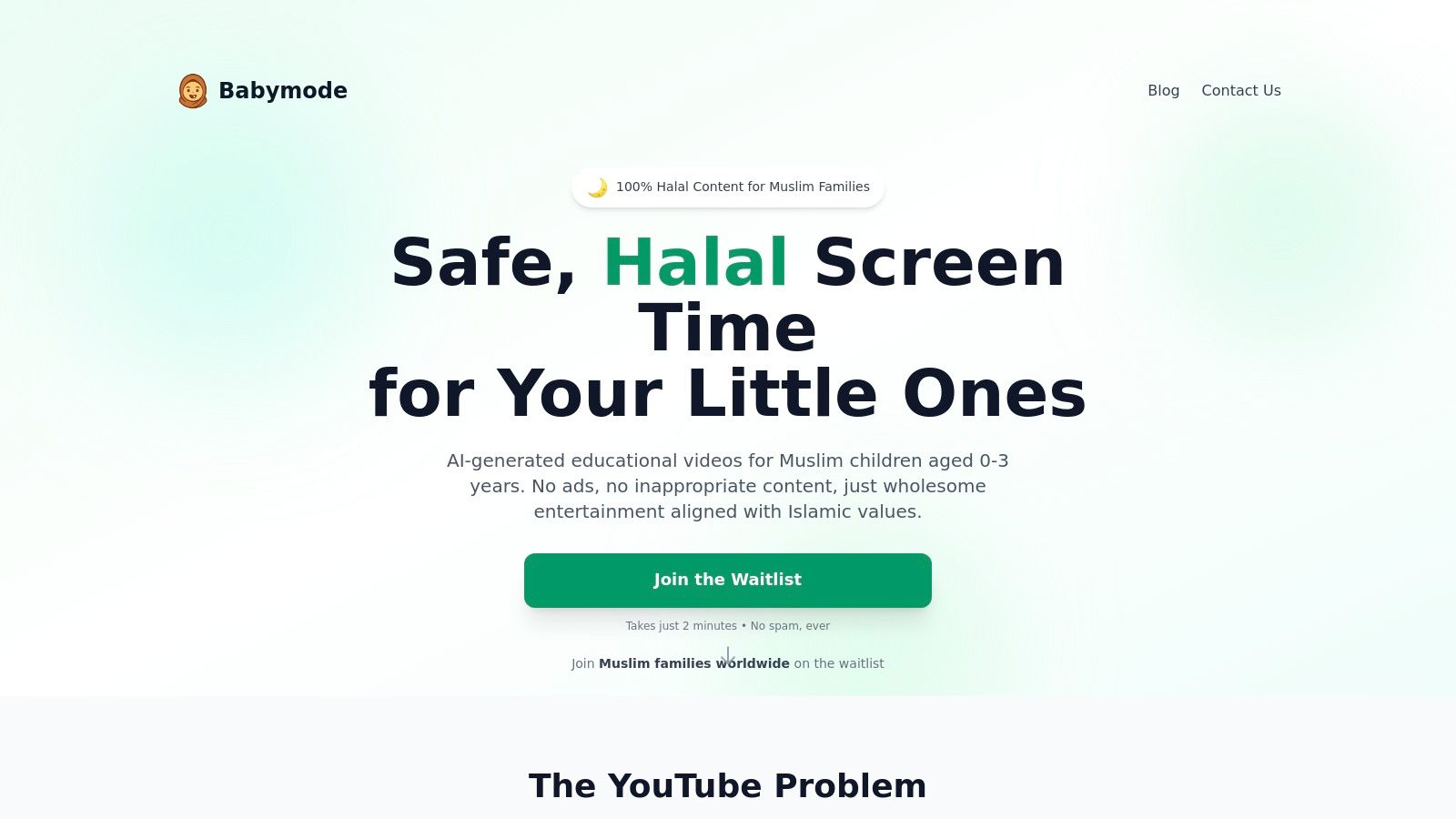
Babymode's core strength lies in its uncompromising approach to content safety and Islamic values. Unlike platforms that simply curate existing videos, Babymode creates every animation, story, and nasheed from scratch using AI, which is then vetted by an Islamic advisory board. This unique process ensures that there are no ads, no third-party product placements, and no unpredictable algorithmic suggestions pushing your toddler toward unsuitable material. The content library is carefully tailored for early development, focusing on Quranic stories, Arabic alphabet basics, daily duas, and lessons on good manners, all within a calm, gentle framework.
Why It's the Premier Choice for Muslim Families
Babymode is engineered with the modern Muslim parent’s daily life in mind. The platform provides a granular parent dashboard, allowing you to do more than just hit play. You can set strict viewing limits, approve specific content categories, and monitor your child’s screen time. This level of control is invaluable when you need to prepare a meal, attend to another child, or focus on work, confident that your toddler’s viewing experience is both safe and beneficial.
The offline download feature is particularly essential for life on the go. Whether you're on a long flight, a road trip to visit family, or simply in a place with poor Wi-Fi, having a library of pre-approved videos to download on iPad ensures a peaceful and engaging activity is always ready. This feature turns travel time or waiting-room delays into opportunities for gentle, faith-based learning.
Key Features and Availability
| Feature | Description |
|---|---|
| Content Integrity | Every video is AI-generated and reviewed by Islamic educators. No ads, human uploads, or risky algorithms. |
| Parent Dashboard | Set viewing limits, approve video categories, preview content, and monitor usage. |
| Offline Downloads | Download your child’s favourite videos directly to the iPad for travel and offline use. |
| Age-Appropriate Learning | Content includes Quranic stories, Arabic basics, instrument-free nasheeds, and manners. |
| Privacy-First Design | No tracking pixels, user profiling, or selling of data. |
| Multilingual Support | Launching with English, Arabic, and Urdu to serve a global ummah. |
Practical Tip: When setting up Babymode, use the dashboard to create a small, curated playlist of your toddler's favourite nasheeds and stories. Download this playlist to your iPad before leaving the house, so you have a go-to calming tool for car rides or while waiting for appointments.
Pros & Cons
Pros:
* Unmatched Safety: A completely closed, halal-by-design ecosystem.
* Parent-Centric Controls: Empowers parents with granular management over screen time.
* Offline Capability: Ideal for travel and managing routines without an internet connection.
* Values-Driven Content: Focuses on Islamic manners, duas, and foundational knowledge.
Cons:
* Early-Stage Platform: Babymode is set for an early 2026 launch, so it is not yet available. The initial content library will be smaller than established platforms.
* AI-Generated Content: While vetted, the AI-created animations may not have the same artistic nuance as high-budget, human-produced shows.
Families interested in this unique approach can learn more about what defines a halal video for young children and join the waitlist on the official website. Early supporters will receive special launch pricing and early access.
Website: https://babymode.ai
2. Apple TV app
For families already within the Apple ecosystem, the native Apple TV app offers a seamless and high-quality experience for finding videos to download on iPad. It acts as a central hub, combining Apple TV+ original content, movies you buy or rent from the store, and even subscriptions to other channels, all in one familiar interface. This integration makes it a reliable choice for preparing your child’s device for offline situations.
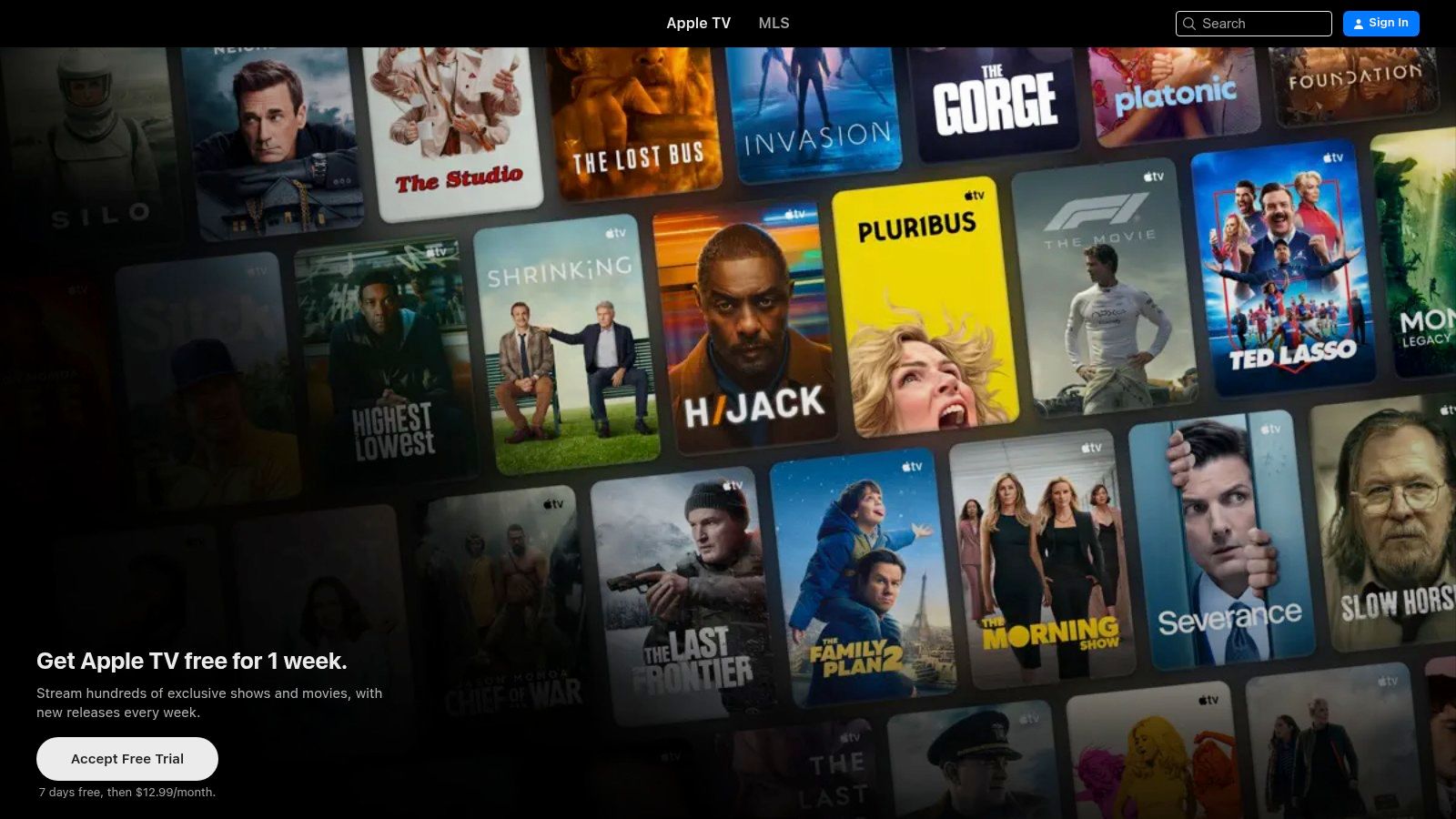
The primary benefit is its simplicity and reliability. Downloads are handled directly within the app and stored in a dedicated "Downloaded" section in your Library, making them easy for parents to find and manage. You don't need to navigate complex third-party apps, which is a huge time-saver when you're trying to get out the door for an appointment or a family visit.
Key Features and Content
The Apple TV app provides a mix of content types, giving parents flexible options.
- Apple TV+ Originals: A subscription to Apple TV+ includes a growing library of high-quality, ad-free shows. While much of the content is for older audiences, you can find gentle, beautifully animated shows suitable for toddlers, such as "Stillwater" or "Snoopy in Space."
- Purchased Movies & TV Shows: You can buy or rent a huge variety of movies and shows. This is perfect for acquiring specific animated films or series that you know your child loves and are comfortable with. Once purchased, they are part of your library forever.
- Rental Rules: Renting is a cost-effective option for one-off viewing. Typically, you have 30 days to start watching a rental and 48 hours to finish it once you press play. This is ideal for a long weekend trip.
Practical Tips for Parents
To make the most of the Apple TV app, start by curating a small, pre-approved collection of shows in your library. Use the search function to find gentle animated content, preview trailers, and then purchase or subscribe accordingly. Managing your library is a key step, as building a safe and engaging offline collection for your little one means you'll always have a familiar comfort ready for them.
Website: https://tv.apple.com
3. Amazon Prime Video
For families who already use Amazon Prime for shopping and other services, the Prime Video app is a convenient and content-rich source for videos to download on iPad. Its extensive library, which includes Prime originals, purchased movies, and add-on channels, offers a wide variety of mainstream options that can be saved for offline viewing. This makes it a practical tool for keeping a toddler entertained during travel or appointments, all within an app you may already have.
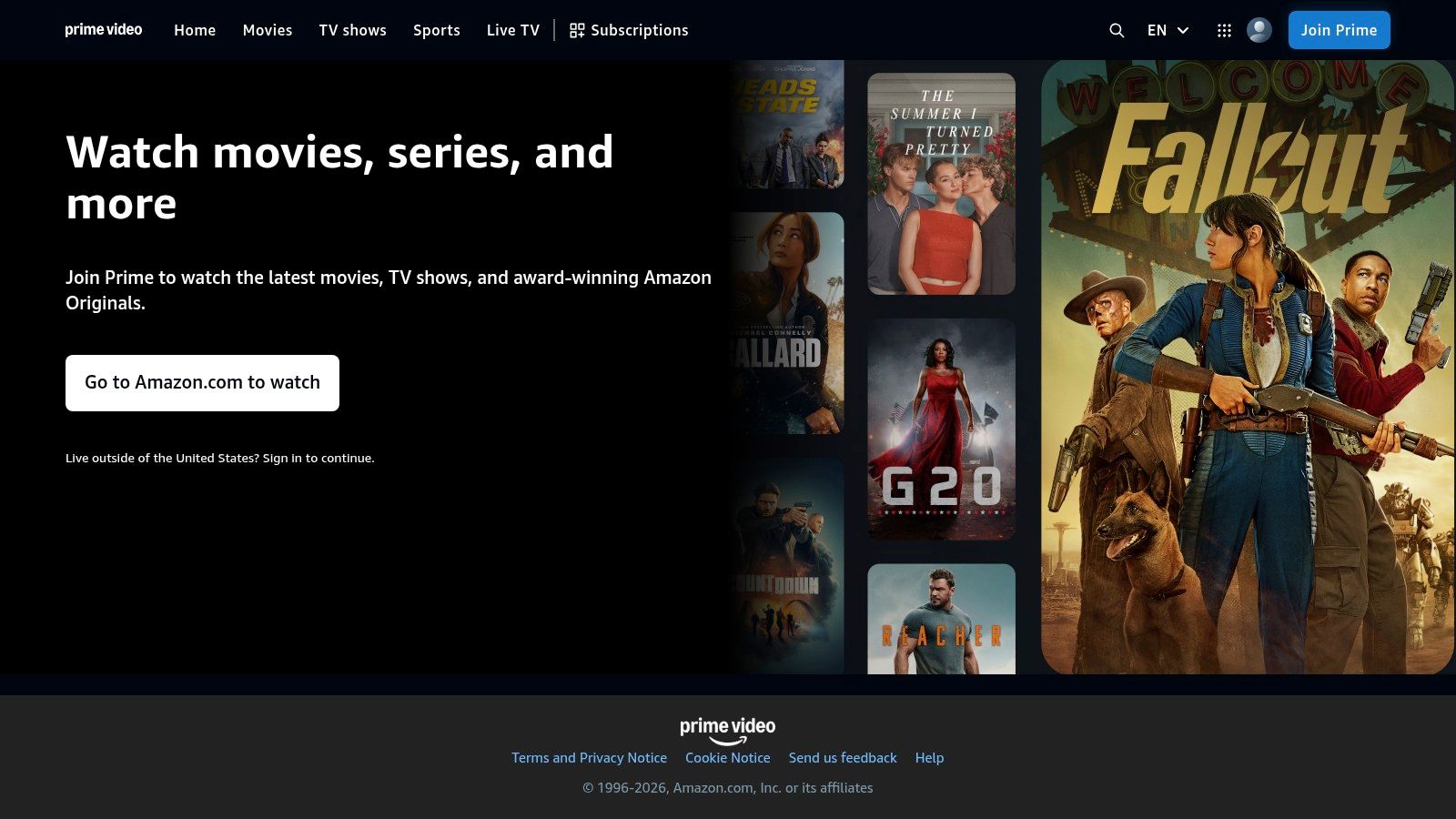
The main advantage is its value proposition; many Muslim households already subscribe to Amazon Prime, making the video service an included benefit. The app’s download functionality is straightforward, with clear quality settings to help you manage your iPad’s storage. Downloaded content is stored in a dedicated tab, making it easy to find and play videos for your child without an internet connection.
Key Features and Content
Prime Video offers a blended content model, giving parents several ways to access shows.
- Included with Prime: Your subscription gives you access to a large rotating catalog of movies and TV series at no extra cost. While parents will need to carefully vet content, you can find some gentle, age-appropriate animated shows.
- Store Purchases: You can buy or rent specific movies and TV shows, which is ideal for securing particular family-friendly films that you know align with your values and want to keep permanently in your digital library.
- Channel Subscriptions: Prime Video allows you to add subscriptions to other channels. This can be a way to access curated kids' content, but be mindful that not all channel content is available for download.
- Ad-Free Viewing: A key consideration for parents is that ad-free viewing now requires an additional monthly fee on top of the Prime subscription. Without it, ads will be shown before and during content.
Practical Tips for Parents
Before a trip, use the "Download Season" button to quickly save an entire pre-approved series for your toddler. It's important to check the "Downloads" tab to confirm everything is ready before you leave home, as some users have reported occasional issues with the app's interface. When searching for videos to download on iPad, always preview content to ensure it’s calm, gentle, and free from elements that might conflict with Islamic values.
Website: https://www.primevideo.com
4. Disney+
For families looking for a vast library of universally recognized and child-friendly content, Disney+ is a strong contender for finding videos to download on iPad. Its collection spans generations of beloved characters from Disney, Pixar, and National Geographic, offering many gentle and visually appealing shows suitable for toddlers. The platform’s familiar interface and dedicated Kids Profile make it a straightforward choice for parents wanting to prepare for offline situations like travel or appointments.
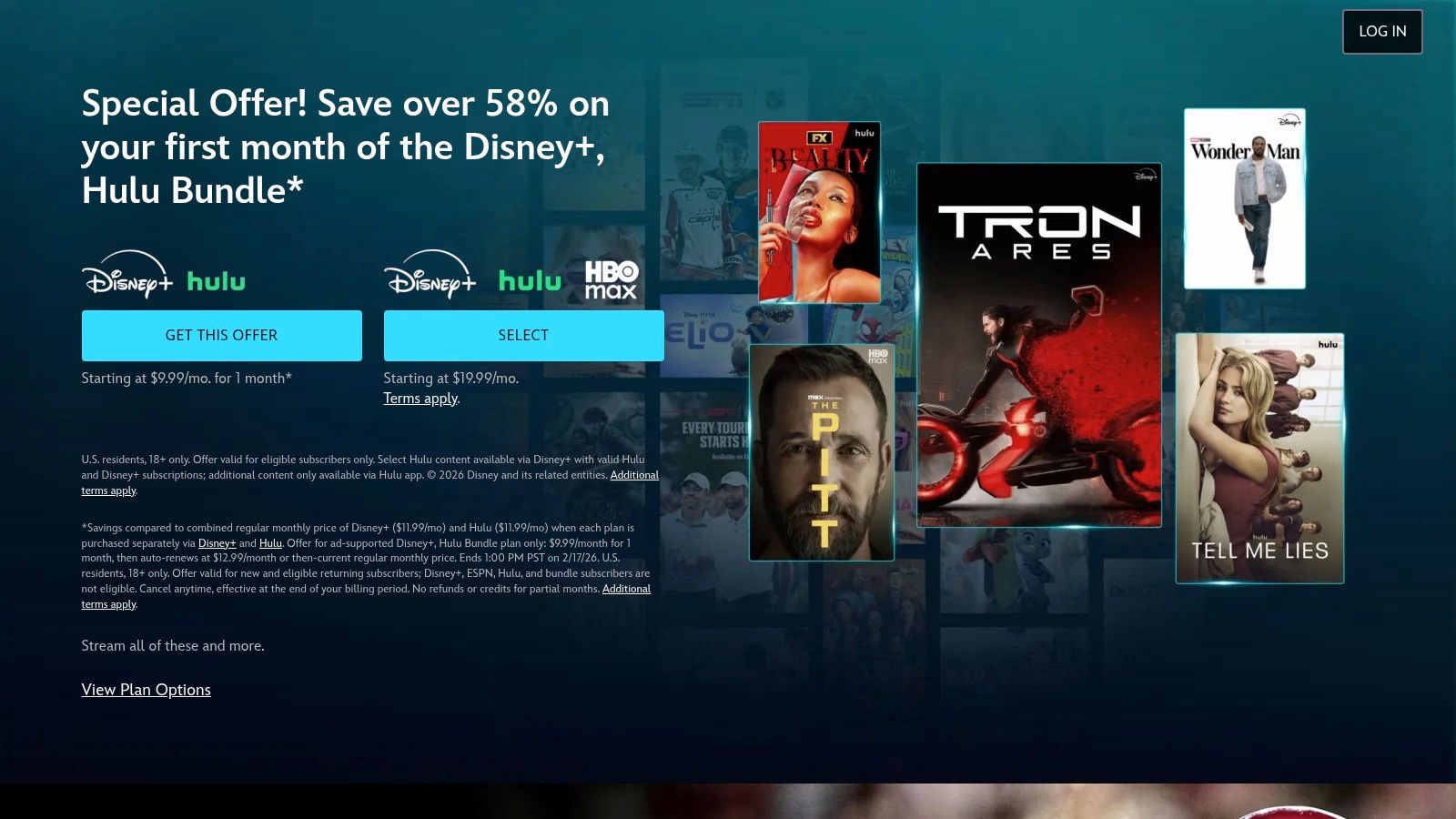
The main advantage of Disney+ is its unparalleled catalogue of high-quality animated content. The download process is simple: a download icon is available for individual episodes, full seasons, or entire movies. However, it's crucial to note that this feature is exclusive to the ad-free Premium plan. The cheaper, ad-supported tiers do not allow for offline viewing, which is a key consideration for families wanting to avoid ads and ensure access during travel.
Key Features and Content
Disney+ offers a mix of classic and modern content that can be carefully curated for young children.
- Extensive Animation Library: Access to the full Disney and Pixar animated film catalogues provides many options. Parents can select films with gentle themes and positive messages, such as Finding Nemo or shorts like Bao.
- Toddler-Friendly Series: Shows like Bluey and Mickey Mouse Clubhouse are popular for their focus on family, problem-solving, and simple life lessons, aligning well with the values many Muslim families want to encourage.
- Offline Access Rules: To maintain access to your downloaded videos, you must connect your iPad to the internet at least once every 30 days. This is a simple check-in to verify your subscription status.
- Parental Controls: The platform includes robust parental controls and the ability to set up a Kids Profile, which filters out content not rated for younger audiences, giving parents peace of mind.
Practical Tips for Parents
Before subscribing, ensure you select the Premium (no-ads) plan to enable downloads. Use the Kids Profile feature to create a safe viewing space for your toddler. Pre-screen shows to ensure they align with your family's values, focusing on themes of kindness, family, and cooperation. Downloading a few trusted episodes or a favorite movie can be a lifesaver when you need a calm, pre-approved activity for your little one.
Website: https://www.disneyplus.com
5. Netflix
For many families, Netflix is a go-to for entertainment, and its robust app makes it a strong contender for finding videos to download on iPad. Its massive library includes a dedicated kids' section with a huge variety of shows, from educational animations to popular character-led series. This sheer volume of choice makes it an excellent resource for parents looking to prepare a diverse playlist for offline viewing during long journeys or quiet time at home.
The primary advantage of Netflix is its powerful mobile app and user-friendly download system. Titles available for download are clearly marked, and once downloaded, they are stored in a dedicated section for easy access. Features like "Downloads for You" can even automatically download recommended content based on viewing history, offering a convenient way to discover new, toddler-friendly shows without constant searching.
Key Features and Content
Netflix's system is built for on-the-go viewing, but it's important to understand the subscription-based rules.
- Huge Content Library: Netflix offers a vast selection of animated shows suitable for toddlers, including gentle programs like "Cocomelon," "Blippi," and educational series from studios around the world. Parents can filter content by genre or search for specific titles.
- Smart Download Features: The "Downloads for You" feature automatically saves a selection of recommended shows and movies to your device, ensuring there's always something new for your child to watch offline.
- Subscription Plan Limits: It is crucial to note that downloads are only available on ad-free plans. The number of devices you can download on simultaneously (one, two, or four) depends on your subscription tier (Standard with Ads, Standard, or Premium). Downloads also have expiration dates and may have a yearly download limit per title.
Practical Tips for Parents
To use Netflix effectively, navigate to the "Kids" profile and use the "Available for Download" category to browse a pre-filtered selection. From there, you can hand-pick shows that align with your family’s values. When selecting content, remember that not all cartoons are created equal; it's always best to preview an episode to ensure it fits the gentle and calm atmosphere you want to create for your child.
Website: https://www.netflix.com
6. YouTube Premium
For Muslim families seeking the widest variety of user-generated content, YouTube Premium transforms the standard YouTube app into a powerful tool for finding videos to download on iPad. A subscription removes all ads and unlocks the download feature, allowing you to save nearly any video for offline viewing. This is invaluable for accessing a massive library of Islamic children's songs, nasheeds, and educational animations that aren't available on mainstream streaming services.
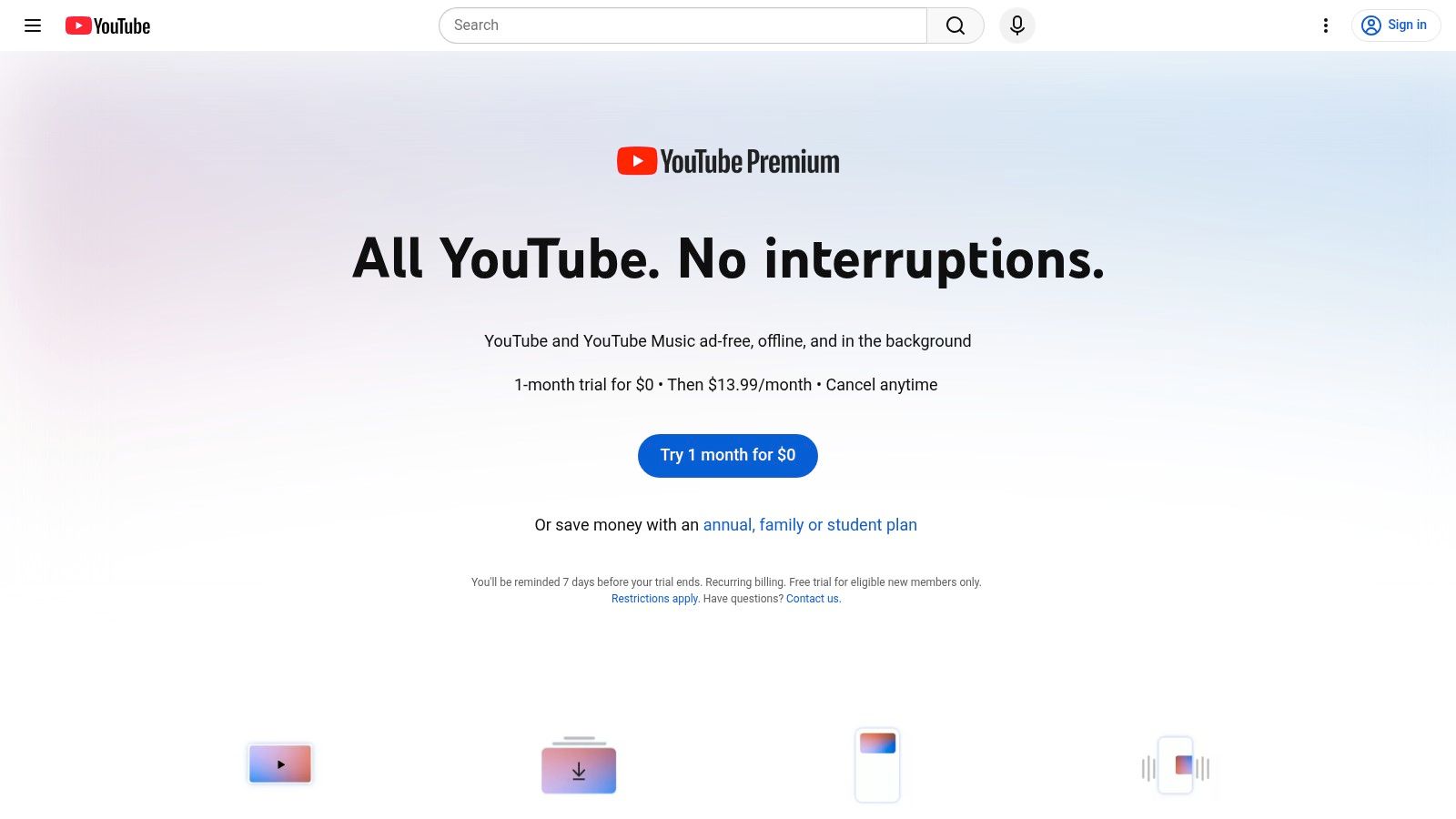
The primary advantage is its unparalleled content selection. You can easily find and download specific, gentle, and faith-aligned videos from trusted creators, preparing your iPad for travel or appointments without worrying about an internet connection. The ad-free experience also ensures your toddler isn't exposed to inappropriate marketing, creating a safer and calmer viewing environment that aligns with a mindful approach to screen time.
Key Features and Content
YouTube Premium’s main benefit is turning its vast online library into a curated offline collection.
- Offline Downloads: Save videos directly within the YouTube app. Downloads are neatly organized in your "Library" under the "Downloads" section, making them simple to access when you're on the go.
- Ad-Free Viewing: This is a crucial feature for parents. It eliminates interruptions and protects young children from commercial content that can be overstimulating or misaligned with family values.
- Vast Content Library: Access a huge range of user-generated content, including Quran recitation for children, Arabic alphabet songs, gentle nasheeds from channels like Zaky or Omar & Hana, and countless other halal educational videos.
- Background Play: This feature allows audio to continue playing even when the app is minimized, which is perfect for playing calming nasheeds or stories during naptime without leaving the screen on.
Practical Tips for Parents
To use YouTube Premium effectively, create dedicated playlists of pre-vetted videos first. Search for specific terms like "gentle Islamic cartoons" or "toddler nasheeds," watch them yourself, and then add the suitable ones to a playlist. You can then download the entire playlist with a single tap, saving you significant time. This approach helps you build a library of trusted downloadable videos for iPad that provides a safe, engaging, and faith-affirming experience for your toddler.
Website: https://www.youtube.com/premium
7. PBS KIDS Video
For parents seeking trusted, educational content without any subscription fees, the PBS KIDS Video app is an excellent resource. It provides a safe, ad-free environment filled with shows designed to support early learning and social-emotional development. This makes it a reliable choice when you need to find quality videos to download on iPad for situations like a long car journey or a wait at the doctor's office.
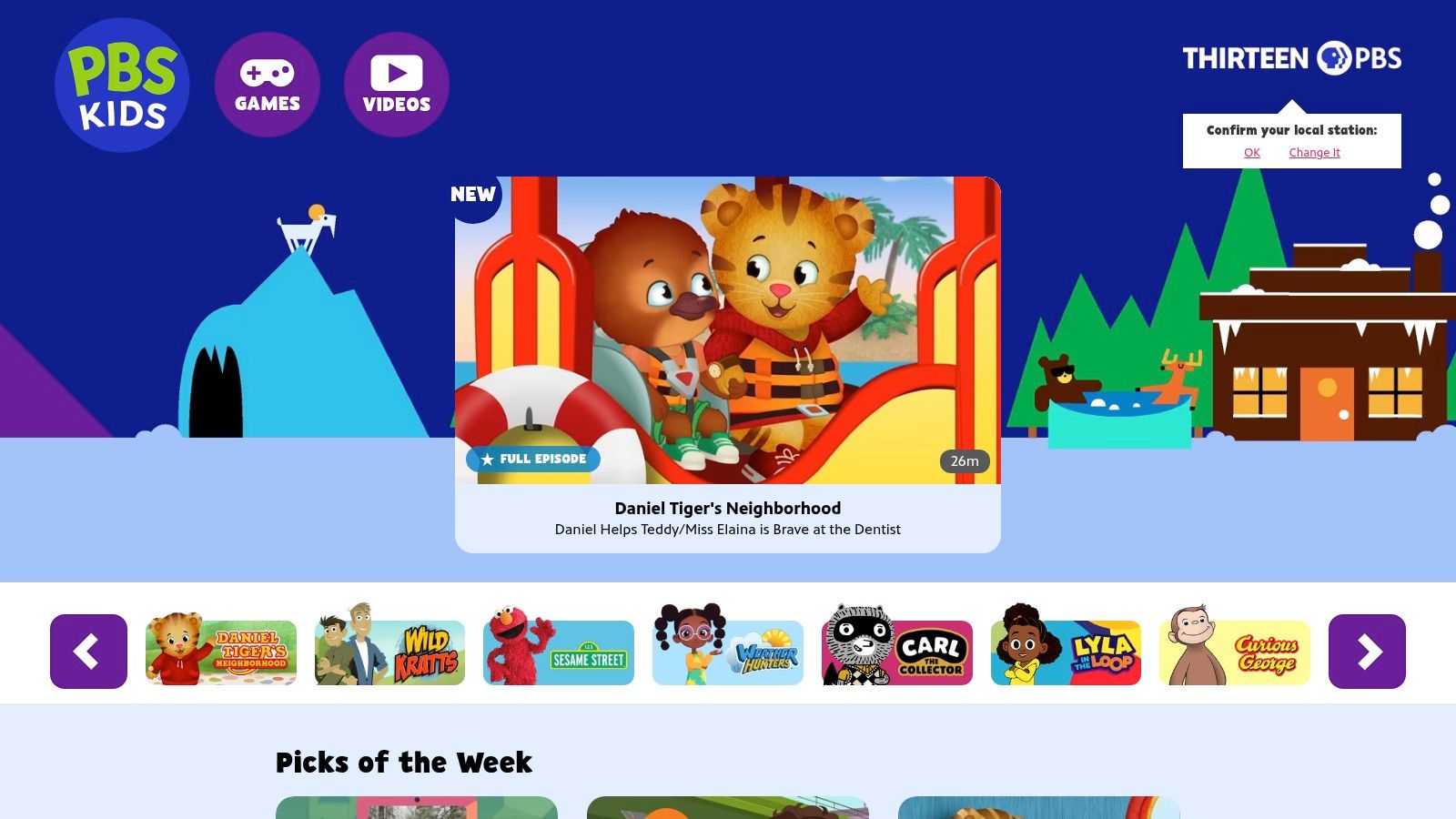
The primary benefit of PBS KIDS is its focus on gentle, values-based programming. Shows like Daniel Tiger's Neighborhood and Sesame Street teach kindness, empathy, and problem-solving in a way that aligns well with the principles of akhlaq (good character) that Muslim parents strive to instil. The app's offline functionality is straightforward, allowing you to download select episodes directly to your iPad for viewing without an internet connection.
Key Features and Content
The app is completely free, offering both streaming and offline downloads without hidden costs. This makes it an accessible option for all families.
- Free Downloads: A key advantage is the ability to download full episodes of popular shows at no charge. The number of downloadable episodes varies, but there is usually enough content to keep a toddler engaged during travel.
- Educational Focus: Every show is designed with a curriculum in mind, focusing on skills like literacy, numeracy, and emotional intelligence. Many videos also offer both English and Spanish audio tracks.
- Download Limits: The app allows for a substantial amount of content to be stored, typically up to 5 GB. Downloaded clips and episodes usually remain available for a generous period, often up to 90 days.
- Limitations: It's important to note that not all series on the app are available for download, and the video quality for offline viewing is currently limited to 480p, which is perfectly adequate for a small iPad screen.
Practical Tips for Parents
To get started, browse the app with your toddler to see which characters they connect with. Before a trip, open the app and look for the download icon next to available episodes of shows like Alma's Way or Donkey Hodie. This simple process ensures you have a library of pre-approved, gentle downloadable videos for iPad that can provide a calm and educational activity when you need it most.
Website: https://pbskids.org/video
Top 7 iPad Video Download Apps Comparison
| Service | 🔄 Implementation complexity | ⚡ Resource requirements | 📊 Expected outcomes | 💡 Ideal use cases | ⭐ Key advantages |
|---|---|---|---|---|---|
| Babymode | Moderate — account + parent dashboard setup and content curation | Subscription (pricing TBA), phones/tablets/TVs, offline storage; privacy-first (no tracking) | Faith-aligned, ad‑free toddler learning with milestone tracking | Muslim families of 0–3 year olds seeking faith‑centered screen time | True ad‑free, Islamic advisory‑vetted AI content; granular parental controls |
| Apple TV app | Low — native app + Apple ID sign‑in | Apple device, storage for downloads; purchases/subscriptions/rentals | Reliable offline playback of Apple TV+ and bought/rented titles | iPad/iPhone users in Apple ecosystem who buy/rent content | Unified library, Family Sharing, consistent native playback |
| Amazon Prime Video | Low — app setup; integrates with Prime membership | Prime membership or pay‑per‑title, device storage, quality settings | Wide offline access to included and purchasable content across devices | Existing Prime members who want mainstream catalog on the go | Large catalog, often bundled with Prime, cross‑platform support |
| Disney+ | Low — subscription + profile setup; downloads require no‑ads plan | Premium (no‑ads) subscription for downloads, device storage, periodic reconnects | Family‑oriented offline library (Disney/Pixar/Marvel/Star Wars) | Families wanting child‑friendly franchises for travel | Strong family/kids catalog, integrated parental controls |
| Netflix | Low — app + subscription; ad‑free plans allow downloads | Ad‑free subscription tier for downloads, device storage, device limits | Diverse offline library with smart download automation | Heavy streamers and families needing offline recommendations | Vast catalog, "Downloads for You" smart feature |
| YouTube Premium | Low — subscribe to Premium for downloads | Premium subscription (or limited in regions), device storage | Offline access to broad user‑generated and educational videos; ad‑free + background play | Users who rely on varied online educational/UGC content | Huge breadth of content, seamless mobile downloads and ad removal |
| PBS KIDS Video | Very low — free app; simple download UI | Free app, limited storage; lower download quality (≈480p) | Ad‑free educational offline clips for preschoolers | Caregivers of preschool children seeking free trusted content | Free, ad‑free, educational brand content tailored to toddlers |
Making Intentional Choices for Your Family's Digital Well-being
Choosing which videos to download on your iPad is one of the many intentional decisions you make every day to build a nurturing, faith-aligned environment for your toddler. It’s about more than just finding a distraction; it's about curating a safe digital space that supports your child’s development while honouring your family’s Islamic values. As we've explored, the right offline content can be an invaluable tool for maintaining calm during travel, creating a predictable nap-time routine, or simply freeing up your hands to prepare a meal before Maghrib.
The key takeaway is mindful selection. By planning ahead and downloading content, you eliminate the risks of unpredictable algorithms, inappropriate ads, and overstimulating autoplay features that are common on streaming platforms. You regain complete control over what your little one sees and hears, ensuring it aligns with the gentle, positive upbringing you strive for.
Key Principles for Your Family
As you move forward, keep these core principles in mind:
- Prioritise Age-Appropriateness: Always select videos with simple visuals, slow pacing, and gentle sounds suitable for the 0–3 age group. Content designed for older children can be overwhelming for toddlers.
- Align with Your Values: Preview content to ensure it reflects the adab (manners), kindness, and positive messages you want to instill. Whether it's a song about sharing or a nasheed about Allah's creation, let the media reinforce your family’s principles.
- Embrace Offline Control: Downloading videos is your most powerful tool. It transforms your iPad into a closed, predictable environment, perfect for car journeys, waiting rooms, or quiet time at home.
- Utilise Parental Controls: For any app you use, take a few minutes to set up the available parental controls. Restrict purchases, limit app access, and use built-in features like Apple's Screen Time to create a secure digital space.
Choosing the Right Tool for Your Needs
The best solution depends entirely on your family’s priorities. If you are seeking a one-stop, fully-halal library where every video is pre-vetted and designed for Muslim toddlers, a dedicated platform like Babymode offers unparalleled peace of mind. Its offline features are built specifically for the needs we've discussed.
If you prefer to use mainstream services like Apple TV, Amazon Prime Video, or YouTube Premium, your role becomes that of a careful curator. You will need to invest more time in researching, previewing, and downloading specific shows to build your own safe, offline collection. Each tool has its place, but the goal remains the same: to make conscious, informed choices that serve your child's well-being.
Ultimately, you are your child's first and most important guide. By thoughtfully selecting videos to download on your iPad, you are extending your loving guidance into the digital realm. May your efforts bring ease to your parenting journey and be a source of benefit for your little ones, Ameen.
Ready to create a safe, ad-free, and faith-aligned viewing experience for your toddler? Discover Babymode, the all-in-one platform designed for Muslim families, with a library of downloadable videos you can trust. Start your journey with Babymode today and enjoy peace of mind with content that’s as wholesome as it is engaging.