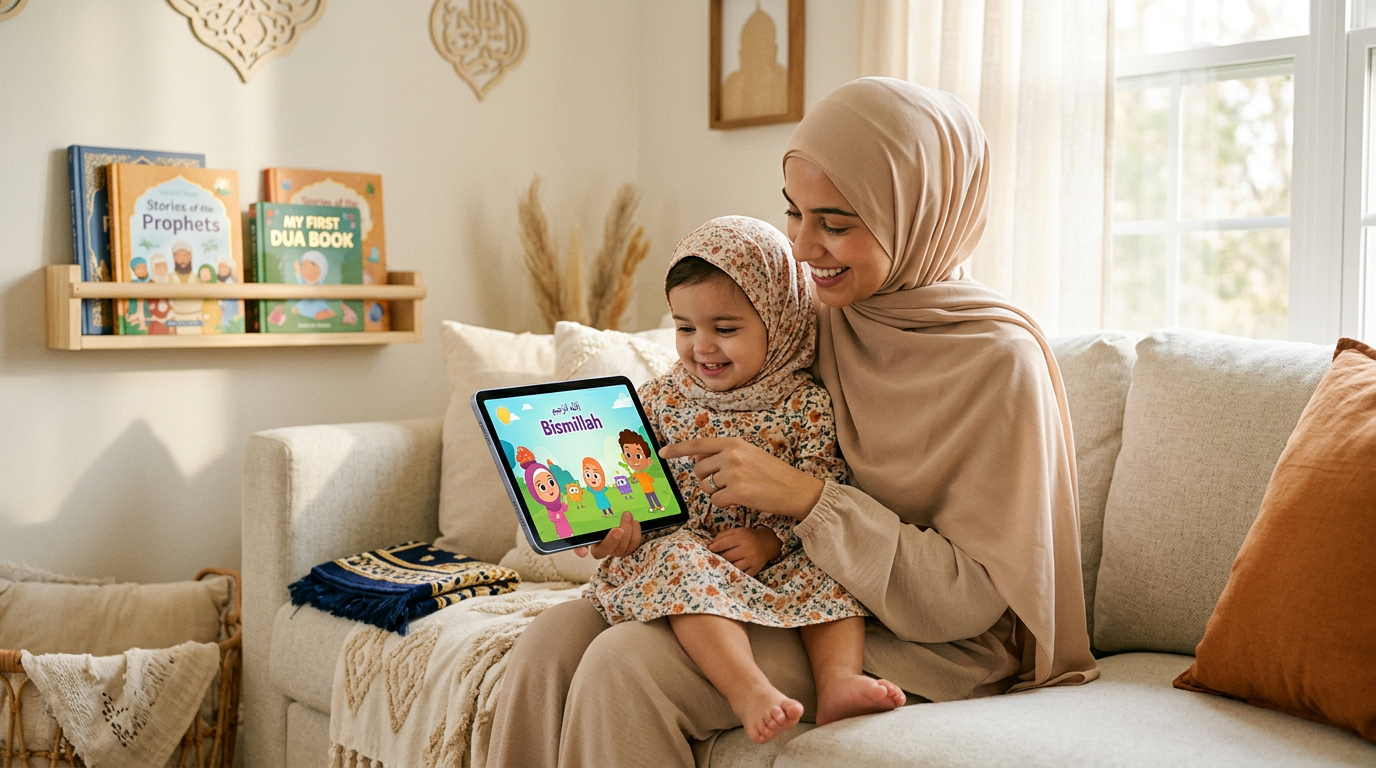
Keeping your toddler calmly engaged during travel, appointments, or those crucial minutes you need to prepare Iftar can be a daily challenge. Handing over the iPad is a practical solution for many Muslim parents, but finding the right content is what truly matters. You need videos that are safe, gentle, and align with your family's values, without unexpected ads or overstimulating scenes. The key is discovering high-quality, halal-friendly videos to download to iPad for offline viewing, ensuring you always have a trusted option ready, InshaAllah.
This guide is designed to help you do just that. We will walk through seven excellent platforms for finding videos to download to iPad, focusing specifically on what matters to Muslim families: your child's well-being and your peace of mind. To ensure a safe and managed viewing experience for your little one, a guide to Mastering iPhone Parental Controls (which apply similarly to iPads) can be an invaluable resource. From dedicated faith-based services to mainstream options with robust parental settings, you'll find solutions here to make screen time a calm, positive, and manageable part of your routine.
1. Babymode
Babymode is a purpose-built, faith-first platform designed to provide a secure and enriching screen-time environment for Muslim toddlers aged 0–3. It directly addresses the common concern among Muslim parents of finding genuinely halal, age-appropriate content by creating every video from scratch using AI, which is then thoroughly vetted by Islamic educators and scholars. This process ensures that all content, from Quranic stories to lessons on good manners (akhlaq), is not only safe but also aligned with Islamic values.
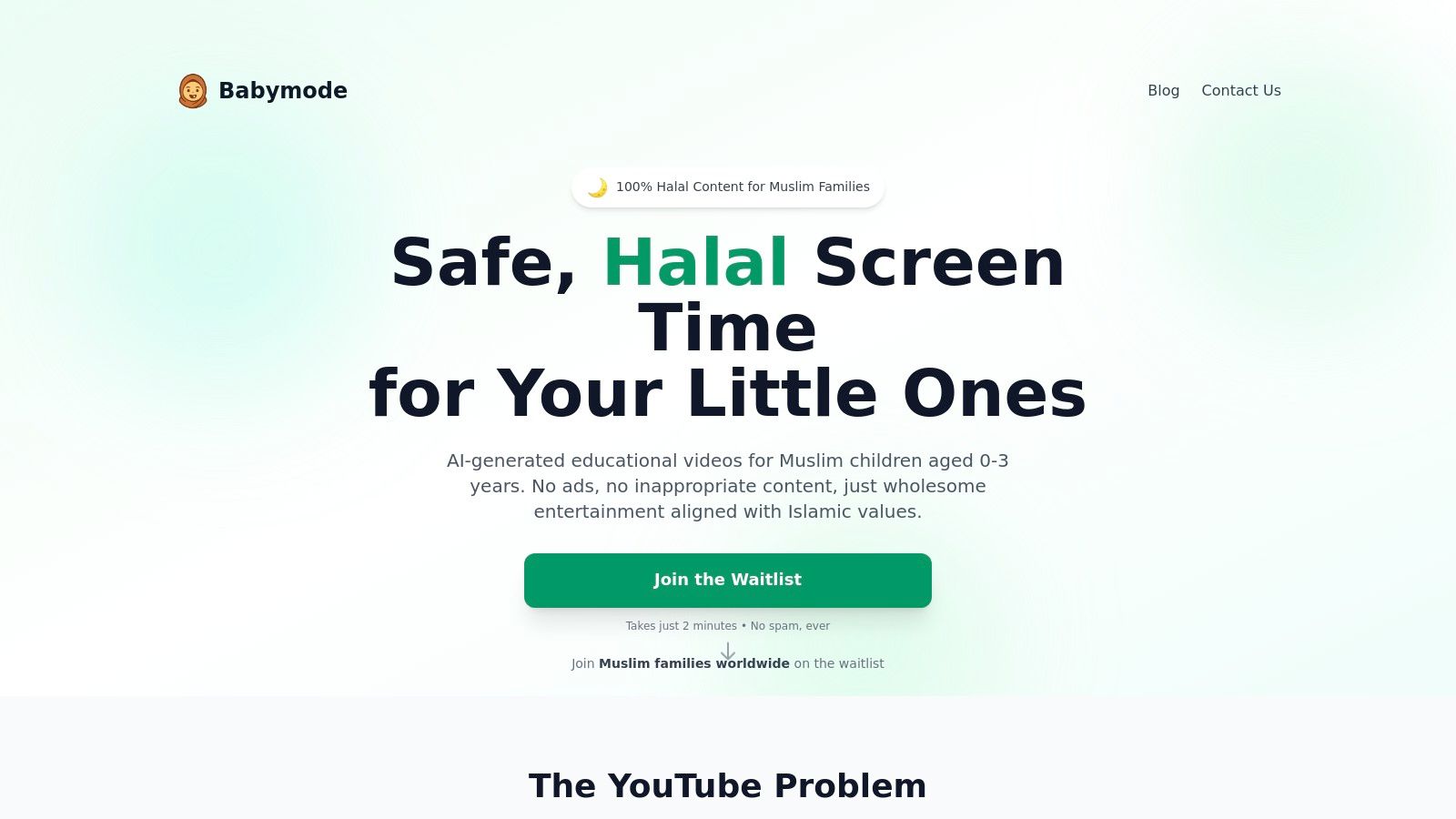
The platform stands out by eliminating the risks associated with mainstream video sites. There are no advertisements, no third-party uploads, and no unpredictable algorithms suggesting questionable content. Instead, parents get a calm, curated library filled with nasheeds (without instruments), daily duas, Arabic alphabet basics, and explorations of Allah’s creation. This focus on intentional content makes it an ideal resource when you need a few minutes of safe engagement for your little one, whether you're preparing dinner before Maghrib or managing a work call.
Key Features and Parent-Focused Design
Babymode's architecture is built around parental peace of mind, offering granular controls that go beyond basic screen time limits.
- Offline Downloads: A standout feature for families on the go. You can easily download videos to your iPad before a long car ride, a flight, or even a trip to the grandparents' house. This ensures your toddler has access to familiar, calming content without needing a Wi-Fi connection.
- Granular Parent Dashboard: Parents can set viewing time limits, approve specific content categories, and monitor what their child is watching.
- Learning Milestones: The platform includes progress tracking to help you see how your child is engaging with concepts like the Arabic alphabet or new duas.
- Privacy-First Commitment: Babymode operates with a strict no-tracking, no-profiling policy. It does not collect or sell your child’s data, offering a level of digital safety that is rare in today's online landscape.
- Multilingual and Multi-Device: The service launches with content in English, Arabic, and Urdu, supporting early bilingual development. It is accessible on tablets, phones, smart TVs, and computers.
Access and Availability
Babymode is currently in its pre-launch phase, with a planned release in early 2026, InshaAllah. Pricing details have not yet been finalized. Interested families can join the waitlist on their website to receive updates, early-access opportunities, and special launch pricing.
- Pros:
- 100% Halal and Ad-Free: All content is vetted by Islamic scholars and completely free of ads or product placements.
- Robust Parent Controls: Features like offline downloads, time limits, and category approvals give you complete control.
- Privacy-Focused: A core commitment to not tracking, profiling, or selling children's data.
- Cons:
- Pre-Launch: The platform is not yet publicly available, so there are no user reviews or established testimonials.
- Narrow Initial Scope: It launches with content specifically for ages 0–3 and in three languages.
Website: https://babymode.ai
2. Apple TV
For Muslim families already invested in the Apple ecosystem, the native Apple TV app offers a seamless way to get videos to download to iPad. Its deep integration means offline playback is robust, and downloaded content is easy to find, which is a lifesaver when you need to quickly soothe a fussy toddler before Maghrib prayer or during a long car ride to visit family. The app serves as a central hub where you can buy or rent individual movies and shows, or subscribe to channels.
This flexibility allows you to hand-pick content without committing to a full subscription, ensuring everything aligns with your family’s values. For instance, you can purchase specific gentle, educational shows like Stillwater, an Apple TV+ Original that teaches mindfulness and kindness through a friendly panda, which many Muslim parents appreciate for its calm lessons on good character (akhlaq). Always remember to preview content to ensure it fits your family's specific values.
Key Features and Parental Tips
- One-Tap Downloads: Content you own or rent can be downloaded directly to your iPad’s Library. This is perfect for preparing for travel or appointments where Wi-Fi is unavailable.
- Family Sharing: A single purchase or an Apple TV+ subscription can be shared across six family members. This helps manage costs and ensures everyone has access to appropriate content on their own device.
- No Ads: A major benefit for parents wanting to avoid exposing their toddlers to consumerism. The viewing experience is uninterrupted and safe.
Parent Tip: Before renting a movie for a trip, remember the playback timer. Rentals expire 48 hours after you first press play. To avoid this, download the rental but wait to start it until your toddler is ready to watch.
While the integration is excellent, remember that not all third-party channels available through Apple TV allow downloads. It’s always best to check the download permissions for specific shows before relying on them for offline viewing.
3. Amazon Prime Video
For families who use Amazon for everything from household essentials to Eid gifts, Prime Video is a convenient option for getting videos to download to iPad. Its large library, included with a Prime membership, offers a wide range of shows and movies, making it a versatile tool for keeping a toddler entertained during a long car journey or while you prepare Iftar. The download functionality is straightforward and essential for offline viewing.
This platform allows you to download content included with your Prime subscription or titles you rent or buy. This flexibility is great for Muslim parents who want to curate a specific playlist of calming, age-appropriate content. You can download episodes of gentle shows like Daniel Tiger's Neighborhood, which focuses on social-emotional skills and kindness, aligning well with the Islamic emphasis on good character (akhlaq), ensuring your little one is watching something beneficial.
Key Features and Parental Tips
- Flexible Download Quality: Save space on your iPad by choosing the download quality (Good, Better, Best). This is incredibly useful when you need to load up a lot of videos before a long flight without running out of storage.
- Large Content Library: A Prime membership unlocks a vast catalog of toddler-friendly shows at no extra cost, alongside the option to rent or buy new releases.
- Add-On Channels: You can subscribe to third-party channels through Prime Video, but be aware that download permissions can vary by provider. Always check before you travel.
Parent Tip: Some Prime Video content may include ads, even for subscribers. To ensure an uninterrupted and ad-free experience for your toddler, consider pre-screening a show or purchasing and downloading specific ad-free seasons of their favourite programs.
While the selection is impressive, some parents have reported occasional glitches with the iOS app's download feature. It’s always a good idea to double-check that your videos have fully downloaded and are playable in offline mode before leaving home.
4. Disney+
For many families, Disney+ is known for its vast library of familiar content. When looking for videos to download to iPad, it offers a reliable and user-friendly experience, perfect for keeping a toddler entertained during travel or while waiting for an appointment. The platform consolidates content from Disney, Pixar, Marvel, Star Wars, and National Geographic, providing a wealth of animated movies and shows that are generally family-friendly.
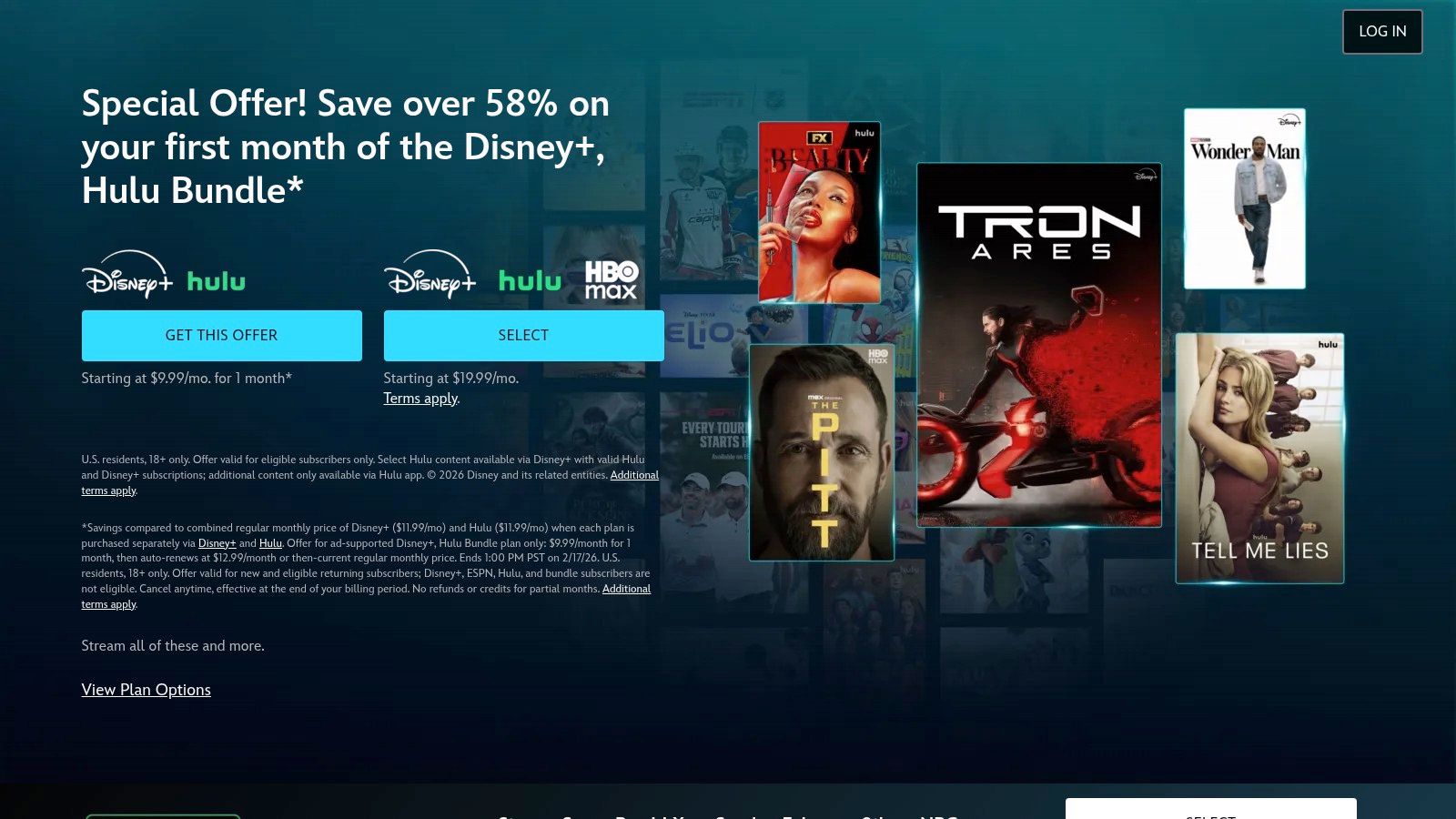
The ability to create multiple profiles with strong parental controls is a key benefit for Muslim parents. You can set up a "Junior Mode" profile for your toddler, which creates a simplified, kid-safe interface and only shows content rated appropriate for all ages. This ensures they won’t accidentally stumble upon more mature content from the Marvel or Star Wars universes, giving you peace of mind while you focus on other tasks.
Key Features and Parental Tips
- Straightforward Downloads: Most titles feature a clear download icon. Simply tap it, and the episode or movie will be saved to your iPad, accessible via the "Downloads" tab in the app for offline viewing.
- Kid-Proof Profiles: Create a dedicated profile for your child with "Junior Mode" enabled. This restricts content and prevents them from switching to an adult profile without a password, ensuring a safe viewing environment.
- High-Quality Viewing: Content can be downloaded in Standard, Medium, or High quality, allowing you to manage your iPad’s storage space effectively before a long trip.
Parent Tip: Downloads on Disney+ can expire if your device doesn’t connect to the internet at least once every 30 days. Before a long vacation or trip, open the app while connected to Wi-Fi to refresh the licenses and ensure your downloaded videos are ready to play when you need them.
While Disney+ offers an enormous and appealing catalog, parents should be mindful that its content is created from a secular, Western perspective. It’s always a good practice to pre-screen shows to ensure they align with your family's specific values and principles.
5. Netflix
For many families, Netflix is a familiar go-to for entertainment, and its robust app makes it a strong choice when you need videos to download to iPad. The platform's massive and frequently updated library contains a wide selection of toddler-friendly shows, and its download features are specifically designed to make offline viewing as simple as possible. This is a huge help for Muslim parents who need to quickly load up the iPad with familiar, calming shows before a long car journey to visit family or during the busy lead-up to an Eid gathering.
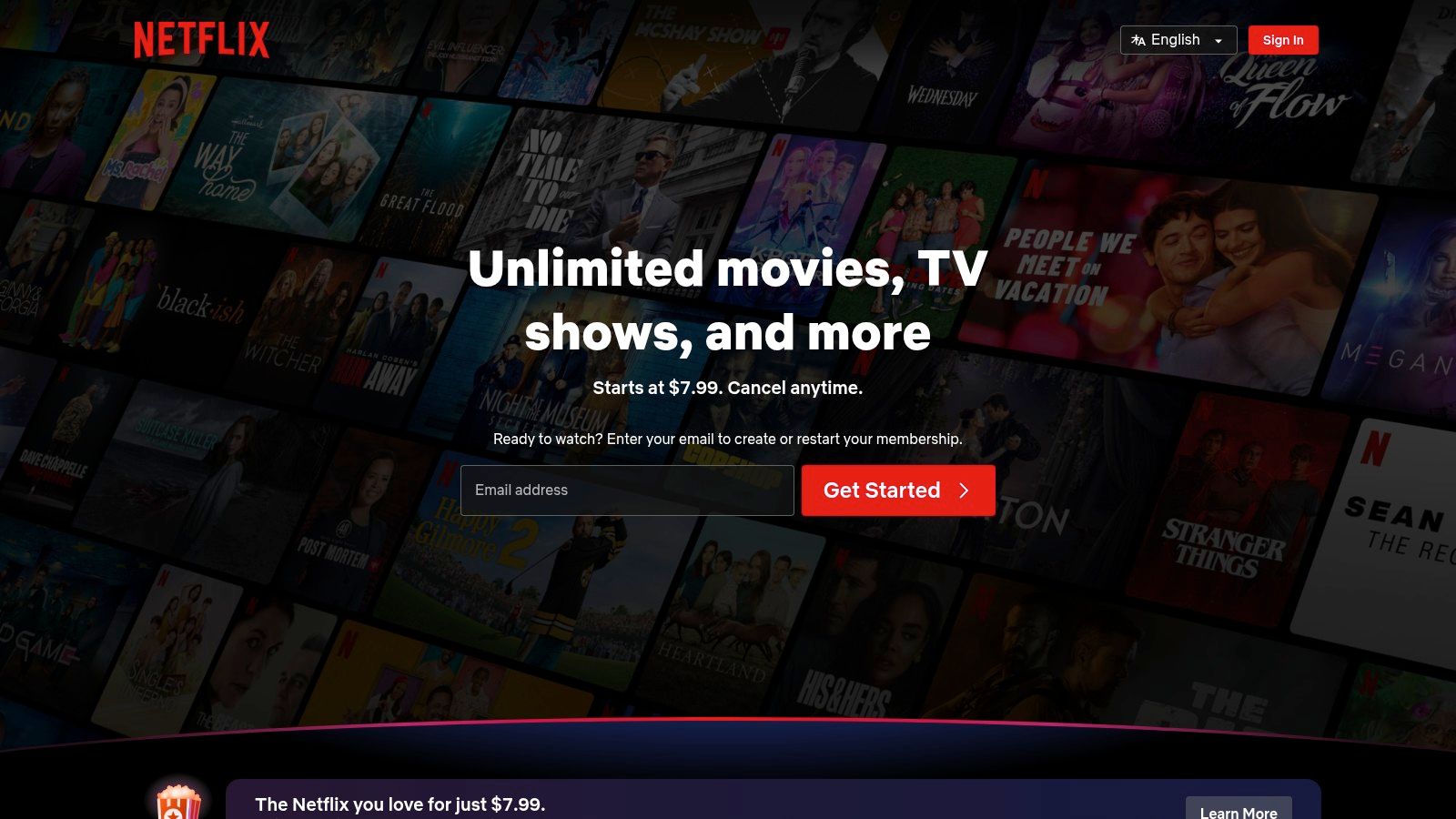
While the content isn't specifically Islamic, many shows promote positive values like friendship, problem-solving, and kindness. For example, shows like Cocomelon offer simple songs and routines that can be comforting for a little one, while Ask the StoryBots provides gentle, educational answers to big questions, sparking curiosity in a safe format. The ability to download an entire season with one tap means you are always prepared.
Key Features and Parental Tips
- One-Click Season Downloads: The app allows you to download an entire season of your toddler’s favourite show with a single button, saving valuable time when preparing for travel.
- Smart Downloads: This feature automatically deletes episodes you've watched and downloads the next one when you're on Wi-Fi. It ensures there's always something new for your child without you having to manage storage manually.
- Dedicated Kids Profile: Setting up a Kids profile filters out mature content and provides a colourful, easy-to-navigate interface for little ones, giving you peace of mind that they won't stumble upon anything inappropriate.
Parent Tip: Use the "Available for Download" category to quickly see which titles can be saved for offline viewing. Before subscribing, be aware that the ad-supported plan has limitations on downloads, so a standard or premium plan is better for families who rely on offline content.
It is important to note that not all titles on Netflix are available for download due to licensing agreements. Always double-check that the specific shows your toddler loves have the download icon (a downward-facing arrow) next to them before you count on them for a trip.
6. PBS KIDS Video
For Muslim families in the U.S. seeking high-quality, educational, and completely free videos to download to iPad, the PBS KIDS Video app is a trusted resource. It offers a safe, ad-free environment grounded in early childhood development principles, which aligns well with the Muslim emphasis on beneficial knowledge. The platform provides gentle, prosocial content that supports the development of good character and curiosity without overstimulation.
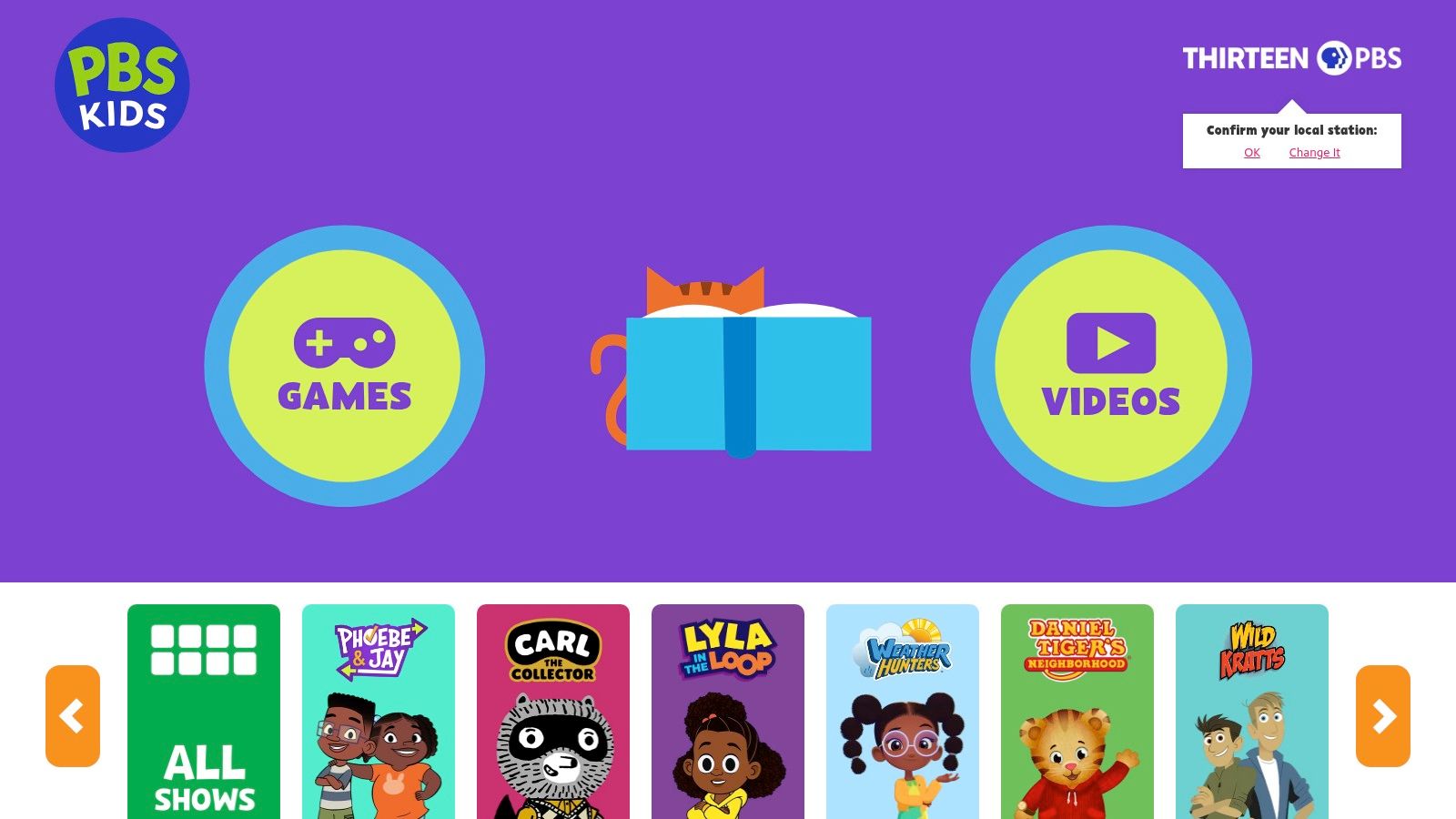
Unlike subscription services, PBS KIDS makes its award-winning content accessible to all, a mission many parents appreciate. Shows like Daniel Tiger's Neighborhood teach emotional intelligence and kindness, echoing Islamic teachings on managing feelings and treating others with compassion. The app’s simple interface is designed for little hands, making it easy for toddlers to navigate while giving parents peace of mind about what they are watching.
Key Features and Parental Tips
- Free Offline Downloads: A selection of full episodes from popular series like Sesame Street and Alma's Way can be downloaded directly to your iPad at no cost. This feature is perfect for keeping a toddler calmly engaged during appointments or while you’re preparing Iftar.
- Parent-Controlled Access: The "Grownups" section is secured with a simple parental gate and provides valuable information on the learning goals for each show, helping you make intentional screen time choices for your child.
- Ad-Free and Secure: The entire app is free from commercials, in-app purchases, and external links in the kids' section. This creates a focused and safe viewing experience, protecting young children from consumerist messaging.
Parent Tip: The available downloadable content on PBS KIDS rotates periodically. If your toddler has a favorite show, check the app a few days before a trip or long outing to ensure you can download their preferred episodes. Always start the download process over a stable Wi-Fi connection.
It is important to note that the service is geo-restricted to the United States. While the app itself is a fantastic tool, the rotating nature of its downloadable library means you can't always guarantee a specific episode will be available for offline viewing when you need it.
7. hoopla Digital
For families looking for a budget-friendly option, hoopla Digital is a fantastic resource that partners with public libraries to offer free videos to download to iPad. With just a library card, you can borrow and download a wide selection of family-friendly movies and TV shows instantly, making it an excellent tool for last-minute trips or when you need screen time without a Wi-Fi connection.
This service is unique because there are no holds or waitlists, which is a huge relief for parents who need content immediately. You can find gentle animated series and educational programs that align with Islamic values of kindness and learning. The app's offline functionality ensures that once downloaded, these shows are ready to play, whether you're waiting at the doctor’s office or calming a restless toddler during a long journey.
Key Features and Parental Tips
- Instant Borrows & Downloads: As long as a title is in the hoopla catalog, you can borrow and download it on the spot. This is perfect for unplanned moments when you need to quickly prepare your iPad.
- Kids Mode: The app offers a "Kids Mode" that filters the catalog to show only content appropriate for children. Activating this provides peace of mind that your toddler won't accidentally stumble upon unsuitable material.
- Cost-Free Access: Access is completely free with a valid library card from a participating library, helping families manage their budget while still providing quality entertainment.
Parent Tip: Your library sets a monthly borrowing limit (e.g., 10 borrows per month). Plan your downloads strategically, especially before a trip or a busy month like Ramadan. Check your library's daily borrowing limit too, as some have a cap on the total checkouts per day for all patrons.
While hoopla is an incredible free resource, be aware that borrowing limits can be restrictive, and some users occasionally report glitches with the app’s offline playback. Always test a downloaded video before leaving home to ensure it plays correctly without an internet connection.
7-Way Comparison: Videos to Download on iPad
| Item | 🔄 Implementation complexity | ⚡ Resource requirements | ⭐ Expected outcomes | 📊 Ideal use cases | 💡 Key advantages |
|---|---|---|---|---|---|
| Babymode | Moderate–High — AI content pipeline + expert review and strict privacy controls | High — AI generation, editorial board, multilingual production, secure infra | ⭐⭐⭐⭐ — Faith-aligned, age‑appropriate learning with progress tracking | Muslim families with children 0–3; parents needing safe, offline-ready content | Halal & ad‑free; privacy‑first; granular parental controls; expert-reviewed |
| Apple TV | Low — native iPad integration maintained by Apple | Low–Moderate — platform/DRM and content licensing | ⭐⭐⭐ — Reliable downloads and clear ownership/rental model | iPad users buying/renting or subscribing to Apple TV+; seamless device sync | Best iPad integration; one‑tap downloads; Family Sharing; clear rental rules |
| Amazon Prime Video | Moderate — large catalog management and streaming infra | Moderate–High — licensing, storage, CDN, app maintenance | ⭐⭐⭐ — Broad selection; flexible download quality | Prime members or renters who want a wide catalog and offline viewing | Huge catalog; selectable download quality; rentals + channels |
| Disney+ | Moderate — centralized CMS, profiles, parental controls | High — content rights, 4K/HD assets, global delivery | ⭐⭐⭐ — Family‑centric, high production value and reliable downloads | Families that prefer Disney/Pixar/Marvel/Star Wars content for kids | Strong parental controls; franchise library; HD/4K availability |
| Netflix | High — content ops plus smart download automation and personalization | High — content acquisition, recommendation systems, robust CDN | ⭐⭐⭐⭐ — Smooth download workflows and extensive kids features | Binge‑watchers and travelers who preload multiple episodes/seasons | Smart downloads/automation; extensive kids catalog; easy preloading |
| PBS KIDS Video | Low — simple app with select downloadable series | Low — public broadcaster support; limited licensing needs | ⭐⭐⭐ — Educational, ad‑free content (U.S. focused) | Educators and budget‑conscious parents seeking free, educational downloads | Free and ad‑free; educator‑backed content; bilingual options for some shows |
| hoopla Digital | Moderate — library integration and rights management per partner | Low–Moderate — partnerships with libraries, catalog ingestion | ⭐⭐⭐ — Cost‑effective access to borrowed titles when available | Library card holders who want free offline movies/TV/audiobooks | Free with participating library card; instant borrowing; wide media types |
Making the Best Choice for Your Family's Needs
Choosing the right videos to download to your iPad is a decision that extends beyond simple entertainment. It's about mindfully curating a digital environment that aligns with your family’s values, supports your child’s development, and provides a calm, safe space for them to learn and explore. The goal isn't just to fill time; it's to make that time meaningful, even when you're on the go, managing household tasks, or simply need a moment of peace.
From purpose-built, faith-centered platforms like Babymode to the carefully selected libraries of PBS KIDS Video and hoopla Digital, you have a wealth of options. Mainstream services like Amazon Prime Video, Netflix, and Disney+ also offer valuable content, provided you take the time to set up robust parental controls and curate specific downloads. The key is intentionality: knowing what you’re downloading and why it’s a good fit for your little one.
Key Takeaways for Your Family
As you decide which tools and content best serve your household, keep these essential points in mind:
- Prioritise Offline Access: The true magic of downloading videos is being prepared. Whether you're facing a long flight, a car journey, or just an area with poor Wi-Fi, having pre-approved content ready to go is a lifesaver. It eliminates the risk of stumbling upon inappropriate content while searching online and ensures a smooth, frustration-free experience for your toddler.
- Leverage Parental Controls: Every platform we discussed offers some form of parental control. Use them diligently. Create child-specific profiles, set PINs, and restrict content by age rating. This is your first and most effective line of defence in creating a digital safe-zone on your family’s iPad.
- Balance and Moderation are Crucial: Screen time is a tool, not a replacement for interaction. The best use of downloaded videos is to supplement a rich day filled with hands-on play, reading books, and connecting with family. Use these videos strategically for travel, quiet time, or during busy moments like preparing Iftar, but always aim for a healthy balance.
Your Next Steps: Putting a Plan into Action
Before your next trip or busy day, take a few moments to prepare your iPad. Choose one or two services that feel right for your family's needs and budget. Spend some time exploring their libraries and downloading a handful of episodes you've previewed and approved.
Consider creating themed playlists for different situations. You might have a "Calm Down" playlist with slow-paced, gentle animations for winding down before a nap, and an "Activity" playlist with songs and movement for a burst of energy. Thinking ahead makes it easier to select the right content in the moment. Remember that technology is ever-evolving, and as your child grows, their needs will change. Eventually, they will outgrow the apps and content you've so carefully curated. When that time comes, it's helpful to have a plan for the device itself, including understanding what to do with old iPads to ensure they are recycled or repurposed responsibly.
Ultimately, you are your child's best guide. By making conscious, informed choices about the videos to download to your iPad, you are reinforcing the safe, loving, and faith-aligned environment you cultivate in every other aspect of their life. You are empowering them with gentle, beneficial content that supports their growth while protecting their innocence.
Ready to simplify your toddler's screen time with content designed specifically for Muslim families? Babymode offers a single, safe destination for high-quality Islamic videos you can download directly to your iPad, ensuring a calm, ad-free experience that aligns with your values. Explore a world of gentle learning and faith-based fun at Babymode today.